
From a full photo libraryto an organized archive.
PhotoReady organizes your photos automatically and neatly stores them on your Mac or external SSD. Less searching, easy storage and viewing.

Receive
Receive selected photos directly from the PhotoReady app on your iPhone or iPad.
Organize
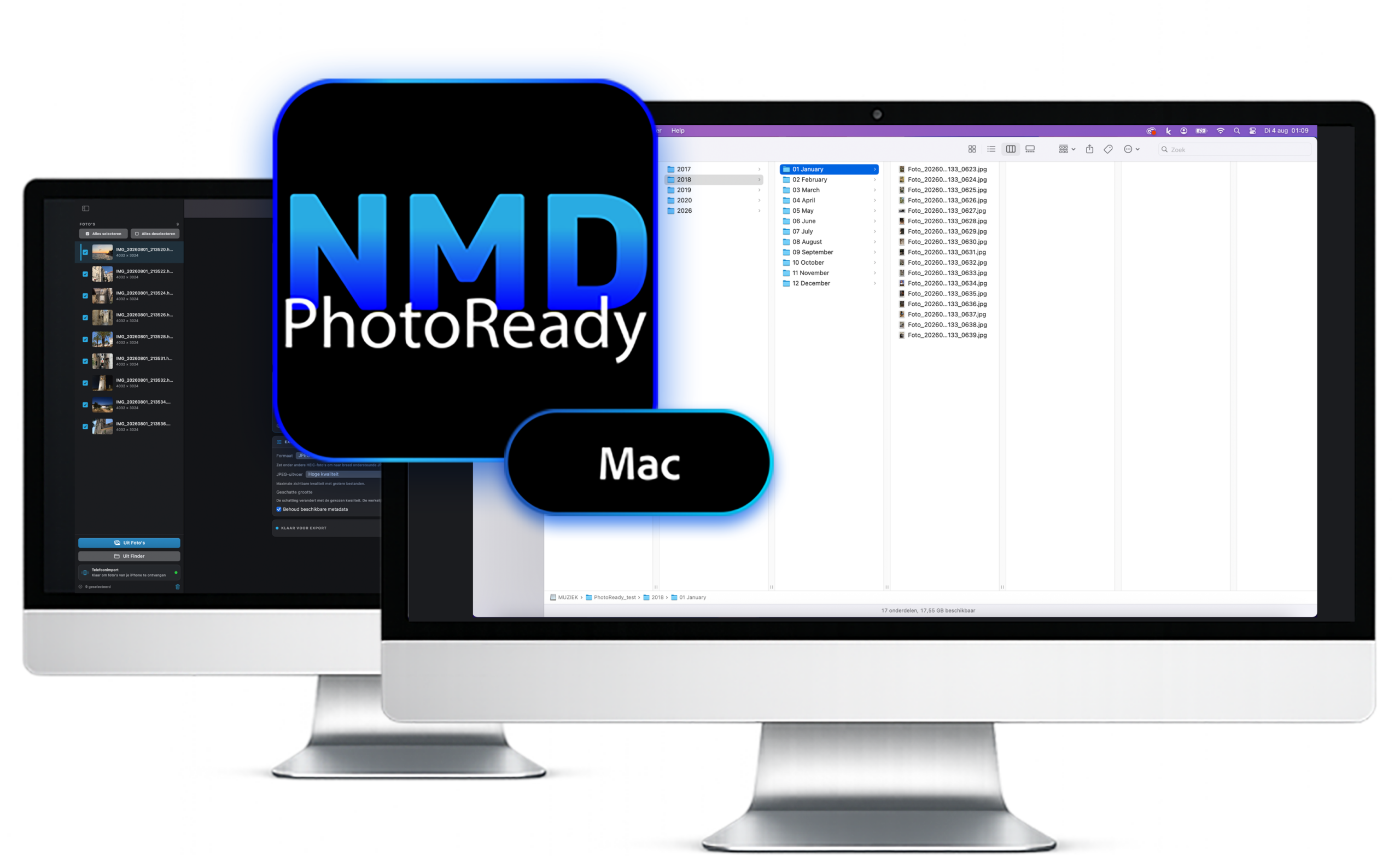
PhotoReady reads the date taken from the metadata and automatically places each photo in the correct folder by year and month. You can also choose a recognizable folder name yourself.
Convert
Convert HEIC photos to JPG, making them widely compatible with computers, televisions and other devices.
Store
Save your photos directly to your Mac or external SSD. This allows you to build an organized photo archive without sorting manually and frees up valuable storage space on your iPhone.
View
Use the created folders to easily view your photos later on your TV, computer or projector.
Automatically organized
PhotoReady uses the date and time from your photos’ metadata to automatically create a logical folder structure. No hours of dragging, renaming or manual sorting.
More space on your iPhone
Once your photos are safely stored on your Mac or external SSD, you can delete them from your iPhone or iPad. This frees up storage space without losing your photos.
Ready to Watch
Your photos are stored in recognizable folders, making them easy to find and view on your TV, computer or projector.
Less hassle. More creating.
NMD makes it easy to select, send, automatically organize, convert and view photos and videos on your TV or computer, with less hassle and more free storage space.
DIGITAL MADE SIMPLE