
Photos safely to your Mac.Then free up space on your iPhone.
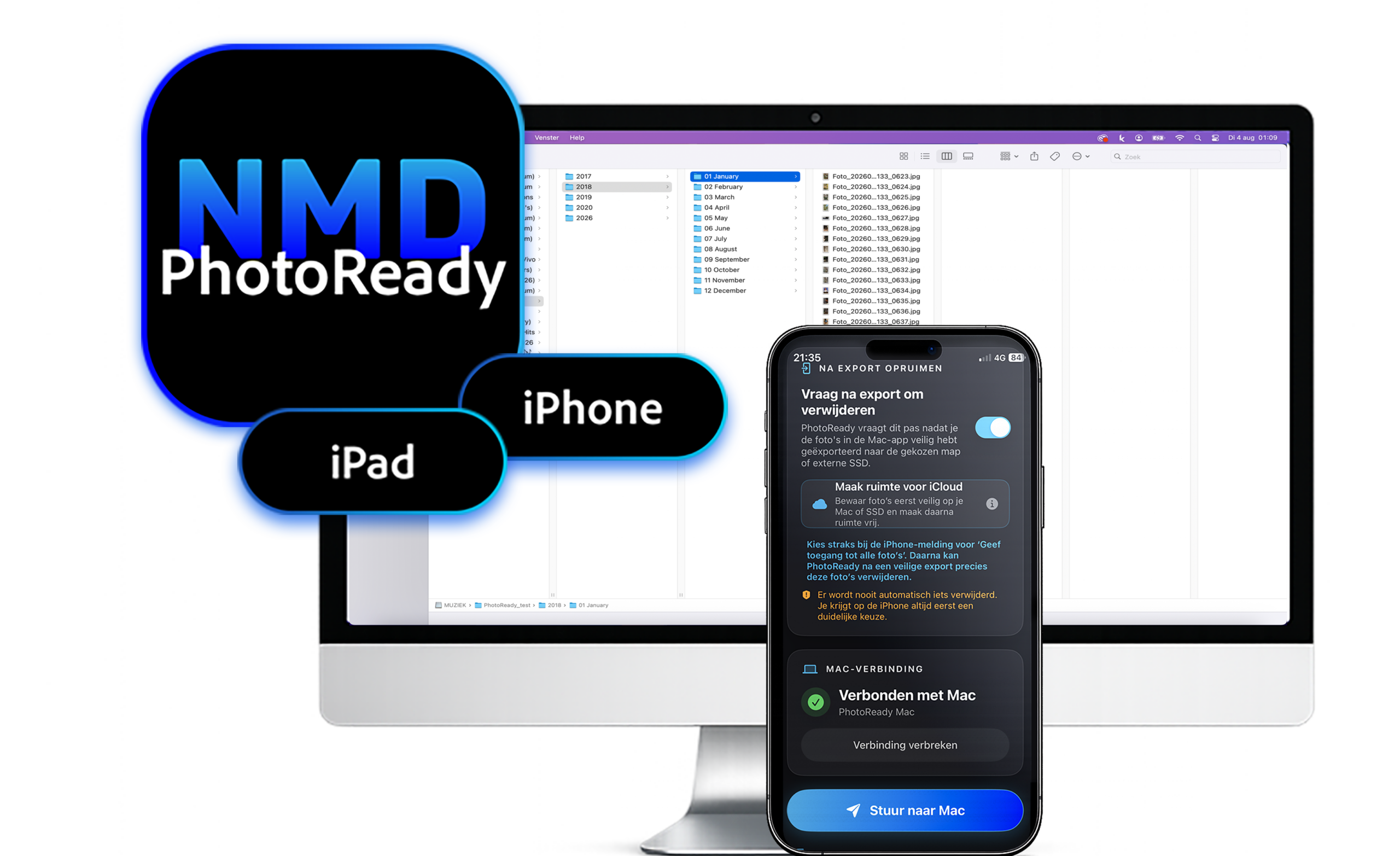
Then free up space on your iPhone. Select your photos and send them directly to PhotoReady on your Mac. PhotoReady automatically organizes and stores them in the location you choose. You can then safely delete them from your iPhone or iPad and free up space.

Select photos
Choose exactly which photos you want to transfer from your iPhone or iPad.
Choose a folder name
Optionally give your transfer a recognizable name, so you can easily find your photos later.
Send directly
Send your selected photos directly to PhotoReady on your Mac via your own local network.
Organize
The Mac app uses the date taken from the metadata to automatically place your photos in folders by year and month.
Free up space
After a successful transfer, you can delete the sent photos from your iPhone or iPad and free up storage space.
Quick selection
Choose only the photos you want to keep and send them directly from your iPhone or iPad.
Directly to your Mac
Your photos are sent directly to PhotoReady on your Mac via your own local network, without any extra steps.
More space on your iPhone
After a successful transfer, you can delete the sent photos and immediately free up storage space.
Important to know
PhotoReady for iPhone and iPad works together with PhotoReady for Mac.
You need the Mac app to receive, organize and store your photos. Both devices must be connected to the same local network while sending.
Less hassle. More creating.
NMD makes it easy to select, send, automatically organize, convert and view photos and videos on your TV or computer, with less hassle and more free storage space.
DIGITAL MADE SIMPLE