From scattered video files to an organized video archive.
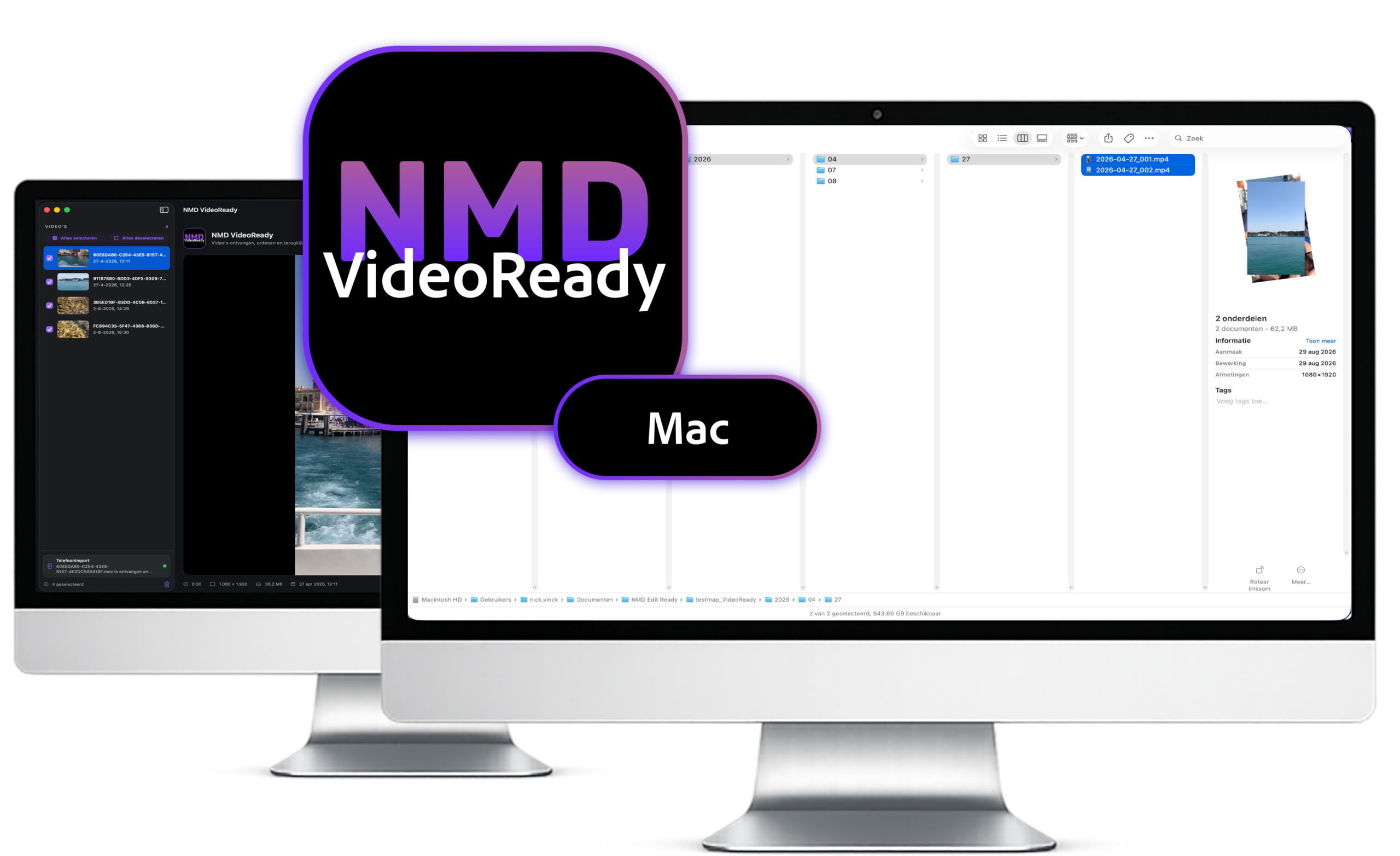
VideoReady receives videos from your iPhone, iPad, or Mac, automatically organizes them by recording time, and stores them on your Mac or external SSD. Easy to review, easy to find, and ready to watch.

Receive
Receive selected videos directly from the VideoReady app on your iPhone or iPad. You can also add video files from Finder or drag them into the workspace.
Review
Preview your videos in the built-in player and instantly check the duration, resolution, file size, and detected recording date.
Organize
VideoReady reads the original recording time from the metadata and automatically places each video in the correct year, month, and day folder. Numbering continues when you return later.
Convert
Keep the original video file without any loss of quality, or create a widely compatible MP4 copy at up to 1080p for a TV or computer.
Store
Export your videos directly to a folder on your Mac or external SSD. When the export is complete, use Show in Finder to quickly open the exported files.
Automatically organized
VideoReady uses the date and time in the metadata to automatically create a logical folder structure. Existing files are included, so videos from the same recording date stay in the same folder and numbering simply continues with the next export.
Choose Your Format
Choose Original for a fast copy without any loss of quality, or MP4 for a file that is widely compatible with TVs and computers. You decide which option works best for storing or watching your videos.
Ready to Watch
Your videos are stored chronologically in clearly labeled folders on your Mac or external SSD. That makes them easy to find later and easy to watch on a TV, computer, or projector.
Less hassle. More creating.
NMD makes it easy to select, send, automatically organize, convert and view photos and videos on your TV or computer, with less hassle and more free storage space.
DIGITAL MADE SIMPLE